Graduation is a milestone. After years of studying, late-night cramming, group projects, and exams, the whole class finally comes together to celebrate. And like every unforgettable event, it's going to be photographed from every possible angle.
The problem? Those photos end up scattered across 80, 100, 150 different phones — and rarely make it out of there.
In this post, you'll learn how to create a digital graduation photo album where the entire class can contribute photos and videos, building a complete, collective record of this once-in-a-lifetime moment.
Why a digital album works better for graduation
Unlike a physical album (expensive, slow to produce, and limited to the contracted photographer's shots), a collaborative digital album captures the event from multiple perspectives — the candid group photo, the emotional diploma moment, the chaos on the dance floor, the private conversations in the parking lot.
Additionally:
- Anyone can contribute, not just the most active Instagram users or the ones who took the most photos
- No app download: any phone with a camera and internet access is all that's needed
- Photos are centralized: no hunting through WhatsApp chats, asking everyone to send their files, or trying to piece it together weeks later
Step-by-step: create your graduation album
Step 1: Designate an album organizer
This is usually someone from the graduation committee or an organized classmate. This person creates an account on Memoly and sets up the album with the class name and event details.
Step 2: Create and customize the album
On the Memoly dashboard, click "Create album". You can add:
- Class name and institution
- Graduation date
- A customized cover photo that matches the event's visual identity
Step 3: Generate and distribute the QR Code
After creating the album, you'll receive a unique QR Code. Distribute it through every channel available:
- Class WhatsApp or group chat: send it before the event so people are already familiar with it
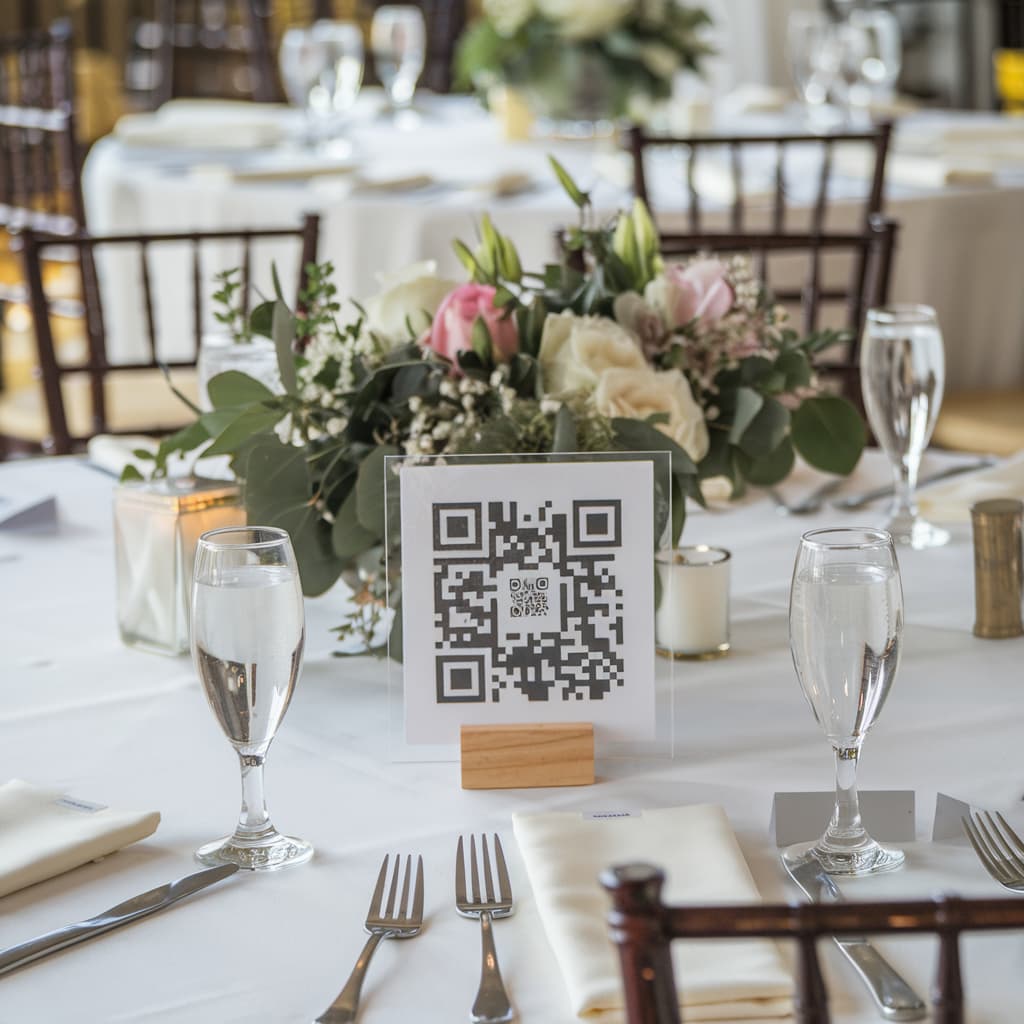
- Place cards at the graduation dinner: put it at every seat during the formal dinner
- Projected during the ceremony: display it on screen between presentations or during cocktail hour
- Digital invitation: include the QR Code in the invitation that's already being sent to the class
Step 4: Encourage participation before, during, and after
Before: build excitement! Let the class know there will be a collaborative album and that every photo counts.
During: make an announcement on the microphone asking everyone to scan and contribute. A great timing is right after the diploma ceremony or before dinner.
After: remind classmates to send photos in the days following graduation — some of the best shots come from the late-night conversations and goodbyes at the end of the evening.
Step 5: Set visibility controls
As the album administrator, you can:
- Enable or disable guest viewing: useful if you want to review all photos before making them visible to the class
- Delete inappropriate photos: you have full control over the album's content
Step 6: Download and preserve everything
When it's all over, download all photos and videos at once. With Memoly, you can export everything in full quality with a single click.
Creative ideas for what to do with the photos
- Edit a class retrospective video using graduation photos as the emotional finale
- Create a photo book with the best shots — many print-on-demand platforms accept bulk uploads
- Share the album link with professors and family members who also want to hold on to the memories
- Post on social media throughout the year to celebrate milestones like the graduation anniversary
Extra tips for an unforgettable graduation
Live slideshow: activate Memoly's slideshow mode to project classmates' photos in real time during the reception. Seeing memories being created live is an emotional experience no one forgets.
Video messages: encourage classmates to record short video messages — a video record of how each person felt on that day is a treasure for the future.
Table card prompt: on the place card or printed invitation, write something like "Scan the QR Code and contribute your favorite graduation photo!"
Conclusion
Graduation is a moment that doesn't repeat. A collaborative digital album ensures that every angle, every laugh, and every emotional tear is captured and kept forever — not just in the memories of those who were there, but in a file the entire class can access.
Create your graduation album on Memoly — it's free to get started and no app download is required.