You just got home from an amazing party. The memories are still fresh — but there's that nagging feeling: how many incredible photos are sitting on your guests' phones, never to be seen again?
Everyone photographed. Nobody shared.
This is one of the biggest challenges when organizing events: collecting photos from dozens (or hundreds) of guests in a quick, effortless way — without relying on chaotic WhatsApp groups, USB drives that nobody brings, or Google Photos links that half the guests can't figure out how to use.
In this post, you'll learn the best ways to collect photos from all your event guests — and why a QR Code photo album is the simplest and most effective solution.
Why is collecting guest photos so hard?
Most traditional solutions share one fatal flaw: they depend on active effort from your guests.
- WhatsApp group: compresses image quality, turns into a noisy message thread, and photos get buried fast
- Shared Google Drive / Dropbox: requires login and technical know-how — many guests give up before uploading a single photo
- Passing a USB drive around: slow, disorganized, and easy to lose in the chaos of the event
- Event hashtag on Instagram: photos are scattered across the platform, hard to download in full quality, and not everyone has an account
The result? You end up with only the photos you took yourself, missing every unique angle your guests captured.
The solution: a shared photo album via QR Code
The most efficient way to collect photos from all your guests is to create a collaborative digital album accessible by QR Code. With Memoly, it works like this:
- You create an album in seconds
- You receive a unique QR Code for your event
- Guests scan it, open their browser, and upload photos — no app download needed
- All photos appear in your album automatically, in real time
Think of it as having a collective photographer at your event.
How to set up your event for maximum participation
1. Place the QR Code in strategic locations
Print the QR Code and position it at:
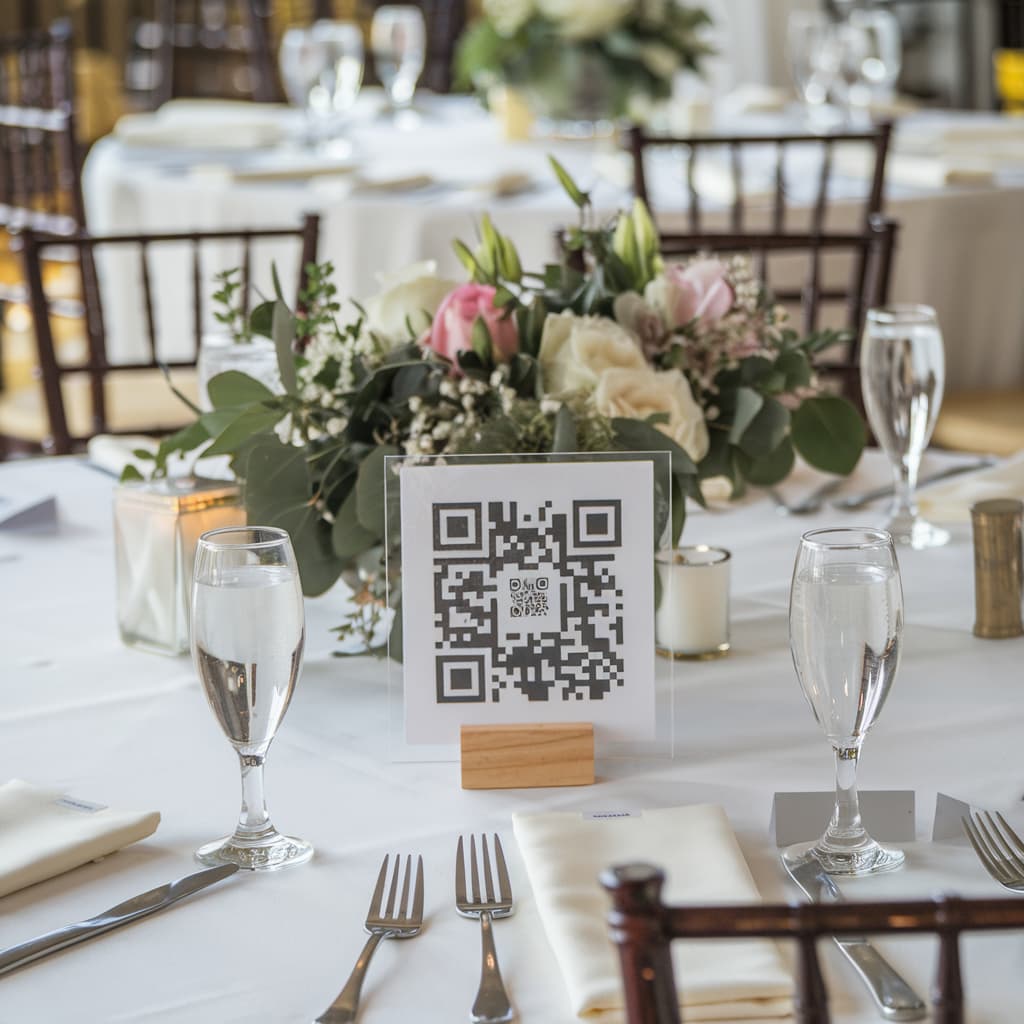
- The center of each table
- The entrance of the venue
- Near the cake or buffet table (where everyone stops)
- Behind the stage or photo booth area
The more visible, the higher the participation rate.
2. Notify guests in advance
Send a message before the event explaining that there will be a shared album. Something as simple as "Scan the QR Code at the event and add your photos to our shared album!" significantly increases engagement.
3. Make an announcement during the event
Ask the DJ, emcee, or a friend to remind guests to scan the QR Code. A reminder during the event — especially right after memorable moments like the cake cutting — makes a big difference.
4. Display photos live on a screen
With Memoly, you can activate a real-time slideshow that projects guest photos as they're submitted. This creates a natural incentive: everyone wants to see their own photo appear on the big screen!
After the event: organize and keep your memories
With all photos centralized in your Memoly album, you can:
- Download everything at once with a single click — no need to message each guest individually
- Review and moderate photos as the album administrator
- Share the album link so guests can revisit the memories whenever they want
Photos are stored for 12 months, giving you plenty of time to organize everything.
Why Memoly works better than other apps
Unlike generic storage apps like Google Photos or iCloud, Memoly was built specifically for multi-participant events. That means:
- No login for guests: anyone with the QR Code can submit photos
- No guest limit: whether it's 10 or 500 guests, everyone can contribute
- One-time payment: no monthly fee or usage charges
- Simple interface: designed to work fast, even in the middle of a busy event
Conclusion
Collecting photos from all your event guests doesn't have to be a logistical nightmare. With a digital album via QR Code, every phone at your party becomes a collaborative camera — and no special memory gets left behind.
Create your free album on Memoly and discover how easy it is to gather all your event photos in one place.