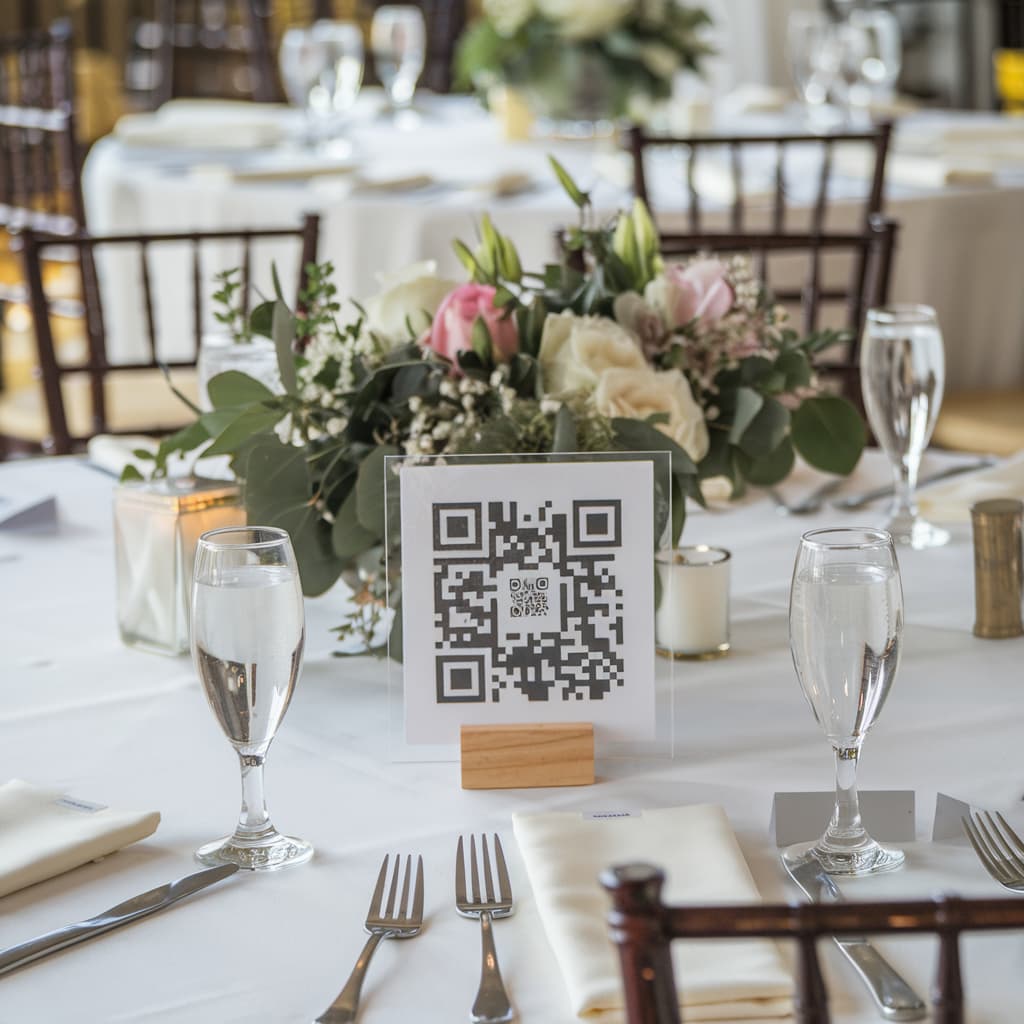
Keeping track of event photos has always been a challenge: photos scattered across every guest's phone, no easy way to gather everything in one place, and memories that can easily get lost over time. With Memoly, that problem is gone.
What Is a Digital Event Album?
A digital event album is a shared space where all your guests can upload the photos and videos they took — without installing any app. Everything works via QR Code: guests scan it, their browser opens, and they upload in seconds.
Step-by-Step Guide to Creating Your Album
1. Create Your Memoly Account
Go to memoly.com.br and sign in with your Google account. It's fast and free to get started.
2. Create a New Album
In the dashboard, click "Create album". Give your event a name — it could be "Ana & Pedro's Wedding", "Maria's Sweet 16", or anything you like.
3. Share the QR Code
Once your album is created, you'll receive a unique QR Code. You can:
- Print it and place it on event tables
- Display it on a screen or TV during the party
- Send it via WhatsApp before the event
4. Collect Photos in Real Time
As the event unfolds, every photo your guests upload automatically appears in your album. You can follow everything live from the dashboard.
5. Download and Keep Your Memories
When the event is over, you can download all photos at once with the "Download all" button. Your memories are safe, organized, and ready to relive.
Tips to Get the Most Out of It
- Print the QR Code in large format so guests can scan it easily
- Enable the slideshow to display photos in real time during the party
- Add a logo or cover image to give the album your event's identity
With Memoly, you'll never miss a special photo from your event again. Create your album now — it's free to start!